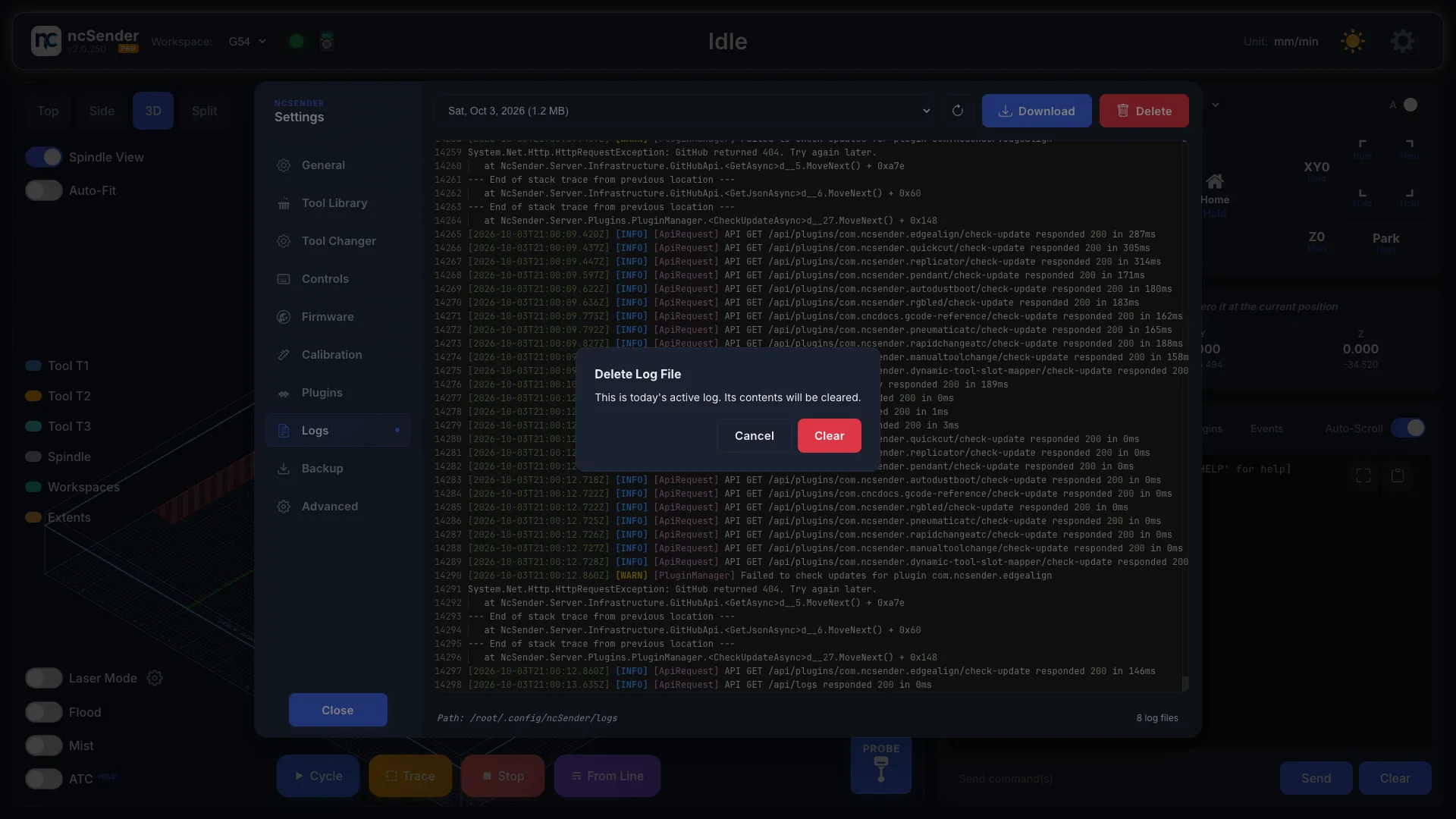
Logs
ncSender keeps a log file for each day. Support may ask for one when you report a problem. Open Settings → Logs.
Open Today's Log
- Open Settings → Logs.
- Pick a log file from the list. Today's log is the newest.
- Click Refresh to see new lines.
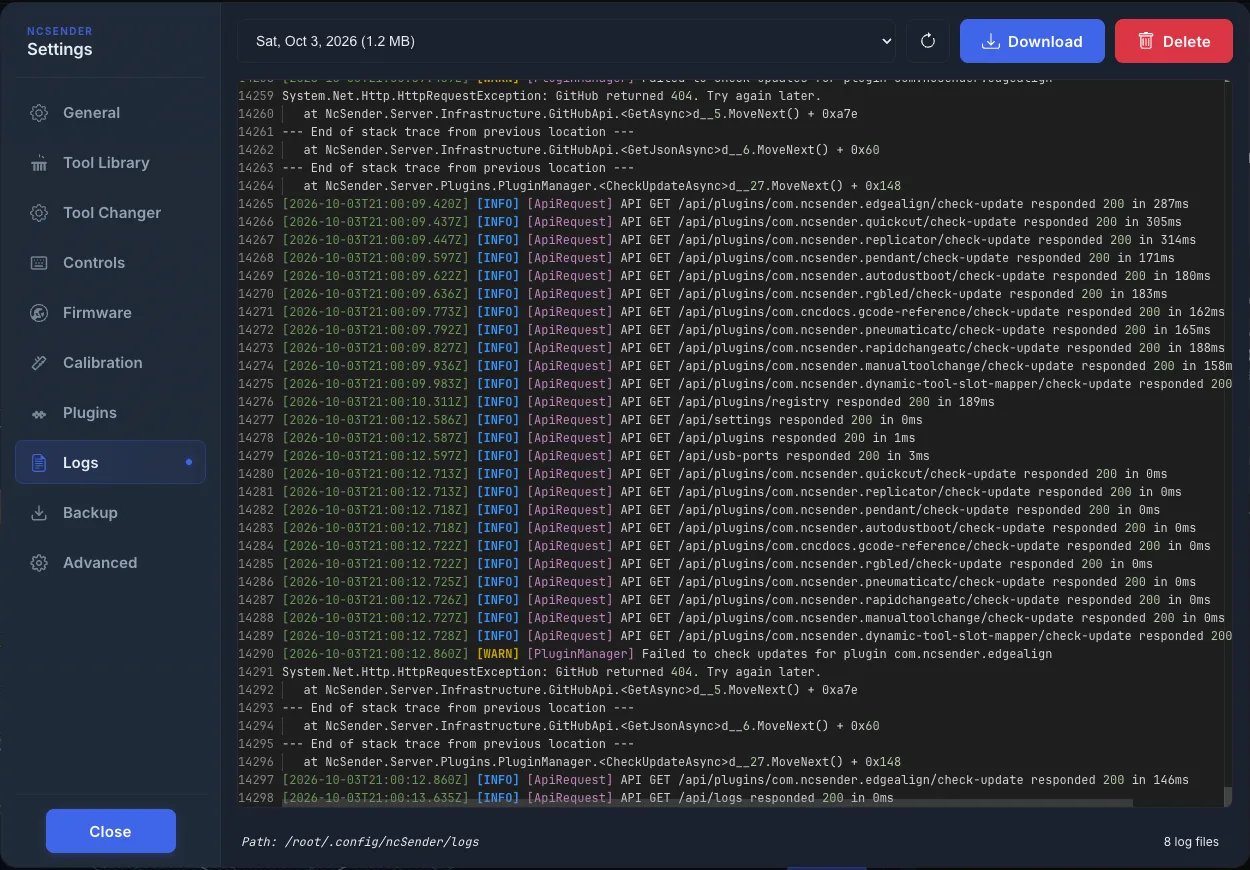
The bottom shows the folder where logs are stored and how many log files there are.
Send a Log for Support
- Pick the log from the day the problem happened.
- Click Download. On a kiosk, click Save and pick an external drive.
- Attach the file to your support request or Discord post.
Clear Old Logs
- Pick the log file.
- Click Delete and confirm.
Today's log is still in use, so ncSender clears its contents instead of deleting it. Click Clear to confirm.