ncSender Documentation
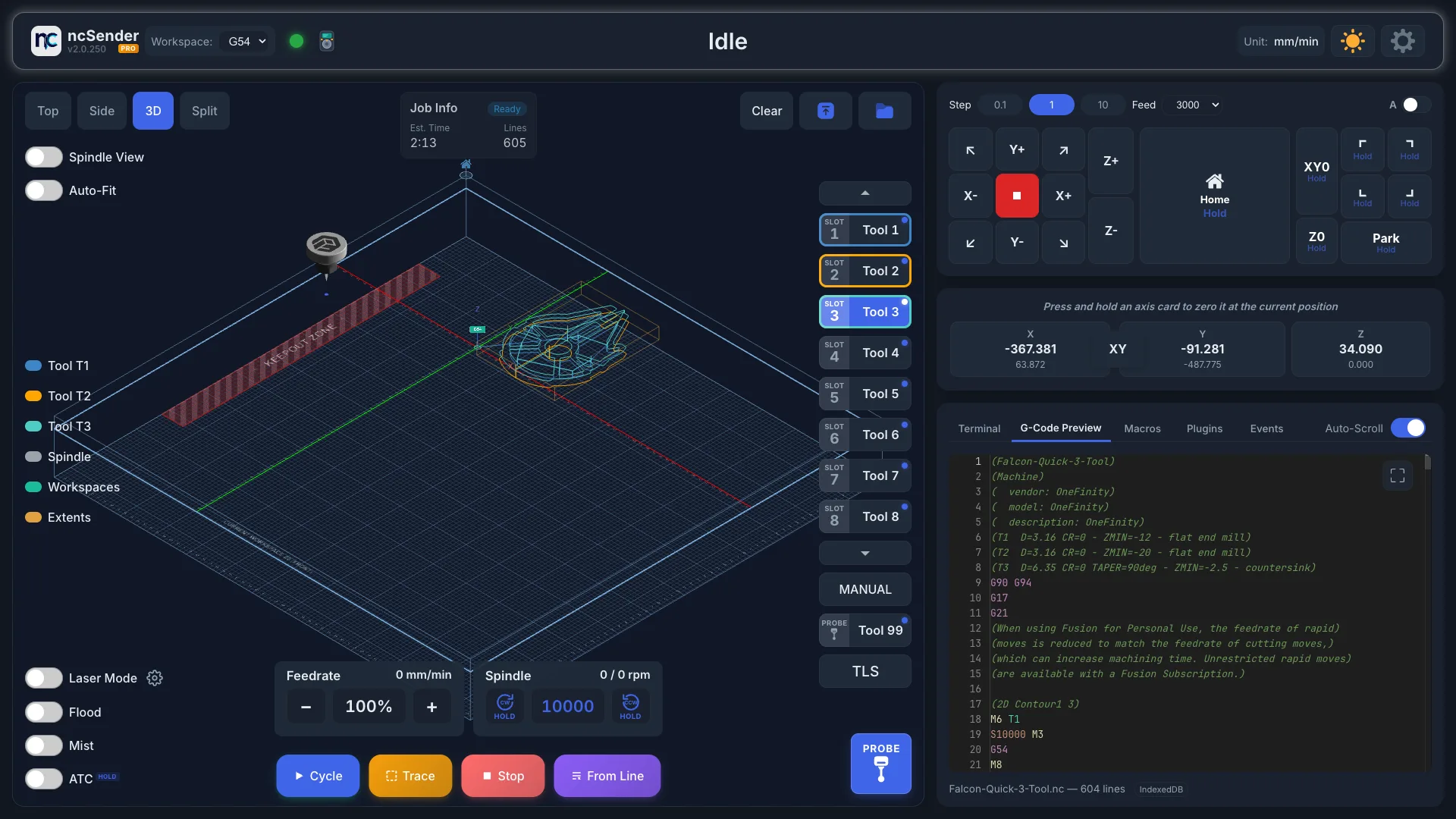
Welcome to the official documentation for ncSender, a CNC controller application for grblHAL.
What is ncSender?
ncSender controls your CNC machine. It gives you a 3D visualizer, jog controls, probing, tool management, plugins and more. It runs on Windows, macOS and Linux, and you can also open it from a phone, tablet or laptop browser on the same network.
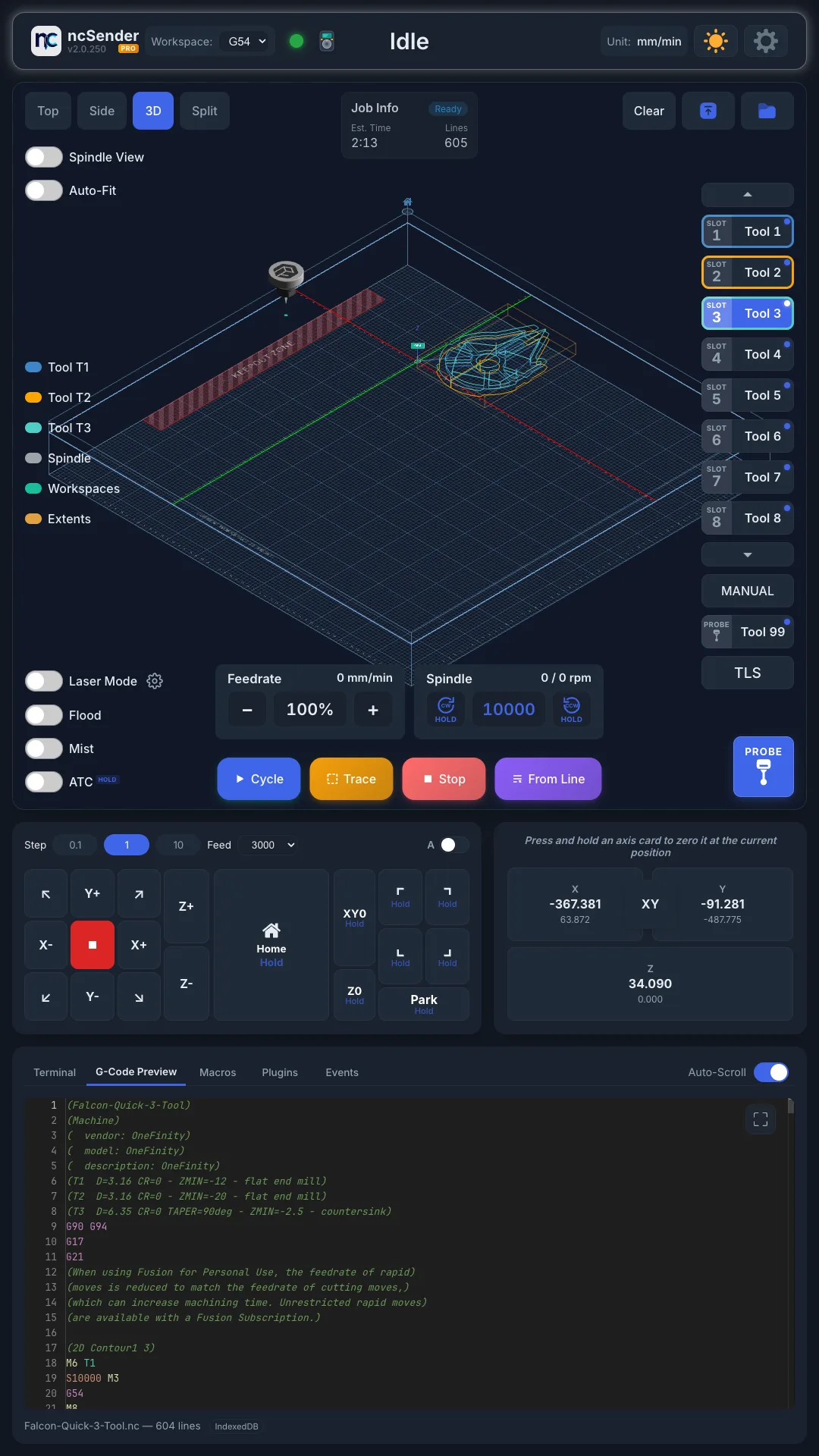
Also runs full-screen on touchscreens and kiosks.
Editions
Community is free and open source. Pro is a commercial edition with extra features and needs a licence.
| Feature | Community | Pro |
|---|---|---|
| 3D Visualizer | ||
| Jog Controls | ||
| Probing | ||
| Console & Terminal | ||
| Plugin System | ||
| Macros | ||
| Tool Library | ||
| Tool Changer & Tool Length Setter | ||
| Machine Setup Wizard | ||
| Tips & Tricks | ||
| Keepout Zone | ||
| Backup & Restore | ||
| Accessories (Pendant, Wireless USB, …) | ||
| Touch Screen / Kiosk | ||
| In-App Updates | Debian Linux only | Windows, macOS, Debian Linux |
| Multi-Workspace (G54-G59) | ||
| 4th Axis (A-axis) | ||
| Laser Mode | ||
| Trace | ||
| Virtual Keyboard | ||
| Safety Door Intelligence | ||
| Calibration | ||
| UI Language (Deutsch, Français, Español) |
Supported Controllers
- grblHAL: firmware settings, alarms, real-time overrides and the Machine Setup Wizard.
Quick Links
- Installation Guide: get up and running
- License Activation: unlock ncSender Pro
- Machine Setup Wizard: set up a new controller
- First Connection: connect to your CNC controller
- Interface Overview: find your way around
- Plugins: extend ncSender with plugins
- Troubleshooting: common issues and solutions